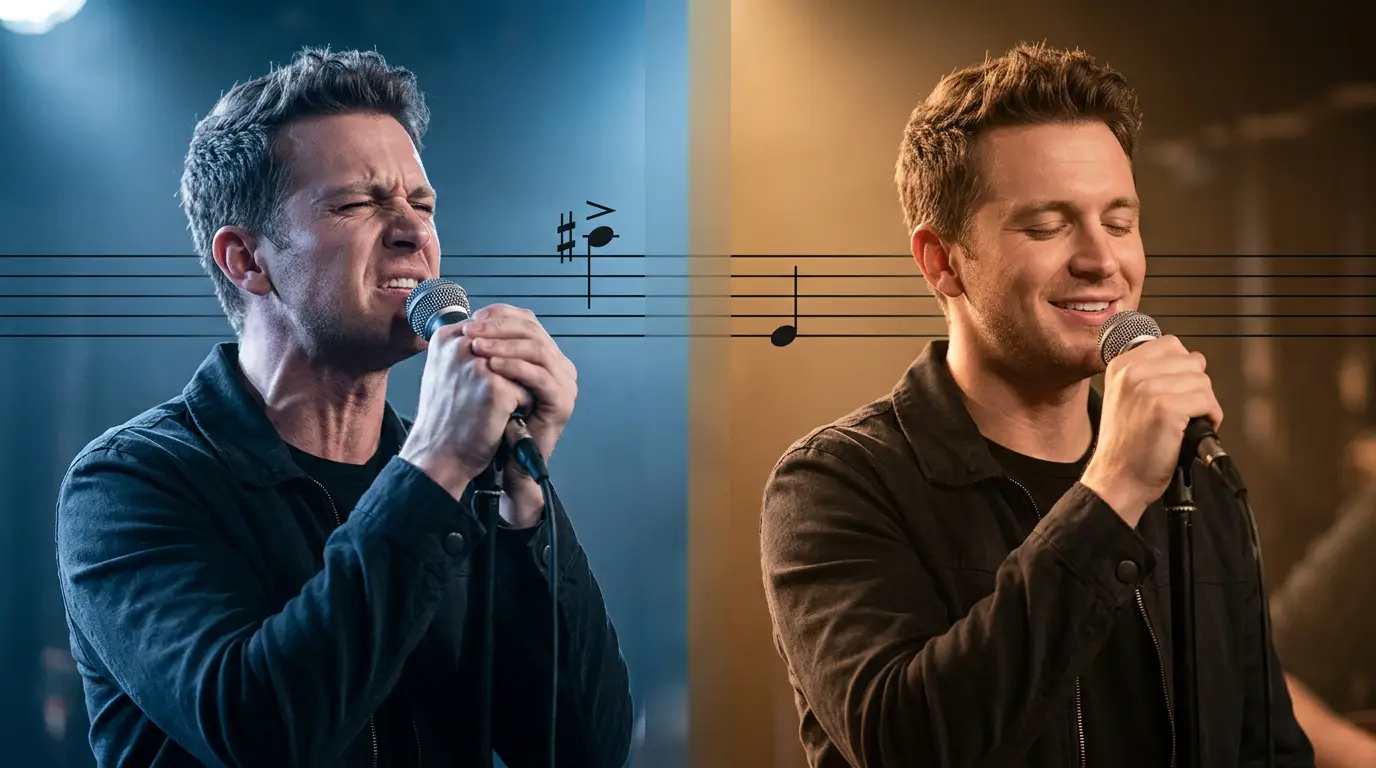
The mic always found its way to me.
At every family gathering, every night out with friends, the videoke remote would get passed around — and eventually someone would cue up one of “my” songs and hold out the microphone like a dare. I loved those songs. I still do. I knew every word, every pause, every place the singer leaned in.
There was just one problem: the song was written for a voice higher than mine.
The original key would climb somewhere I couldn’t follow. I’d start strong, feel good through the verse, and then reach that one big note — the one the whole song builds toward — and my voice would crack, thin out, or just quietly give up. Every time. For years I thought it meant I couldn’t sing.
Eventually I realized it wasn’t me. It was the key. The song wasn’t too hard — it was just too high. If I could nudge the whole thing down a few steps, it would land right inside the range I actually have.
But there was a catch. The easy way to lower a song also slows it down — and the moment that happens, the words on the screen stop matching the music. The lyrics drift. You’re either chasing them or waiting for them, and the whole thing falls apart.
That was the part I really cared about getting right. I wanted to move the song into a key I could sing while leaving the timing exactly where it was — every line lighting up on screen at the same moment it always did. Lower the note, keep the clock. Nothing else touched.
So that became the tool: take a music video, shift its pitch to fit your voice, and keep the lyrics perfectly in time so you can just follow along and sing.
I built it for myself first. Then I turned it into something anyone could use, because I’m definitely not the only person who’s ever been handed a microphone and a song that sits half an octave out of reach.
It started as a love for music and a voice with limits. It became a small way of meeting the music halfway — in a key I can reach, right on time.
Now when the remote comes around, I don’t pass it on.
The tool’s address might change in the future, but I will update it here:
https://nostradmsx-videopitchshifer.streamlit.app/
The code for the tool is here: https://github.com/roylouisgarcia/videopitchshifter
The YouTube demo video above was a screen capture without narration, and I used various old-school tools and explored AI to generate the voice-over for it.
Learn how I did it: https://nostradmsx.com/how-to-add-a-synced-voiceover-to-any-video-free-no-editor-required/