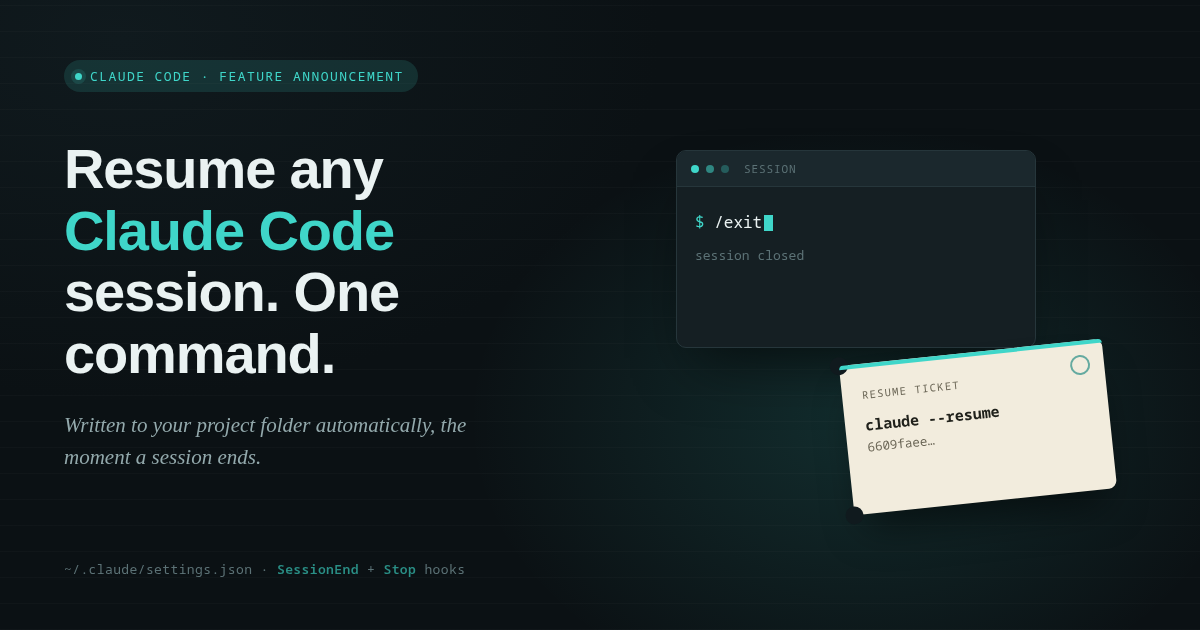
Resume Any Claude Code Session in One Command — Automatically
Claude Code now auto-generates a ready-to-run resume command every time your session ends, so picking up where you left off takes one paste, not a hunt through
You've been deep in a Claude Code session for an hour, you close the terminal, and twenty minutes later you need to get back into that exact conversation. So you dig through claude --resume history, squint at a list of session IDs with no context, and hope you pick the right one. It's a small tax, but it's one you pay every single day.
Here's the fix: a two-line hook that writes the exact resume command to a file in your project directory the moment your session ends — whether you typed /exit or just let it wrap up naturally.
How It Works
The feature hooks into two Claude Code lifecycle events: SessionEnd and Stop. Together they cover both ways a session can conclude — an explicit exit and a natural stop — so the file is always there when you come back, no matter how you left.
Each hook runs a single inline shell command. No external script, no extra file to maintain — just a few lines living directly in ~/.claude/settings.json:
"hooks": {
  "SessionEnd": [{ "hooks": [{ "type": "command", "command": "..." }] }],
  "Stop": [{ "hooks": [{ "type": "command", "command": "..." }] }]
}
The command reads the session's JSON payload from stdin, pulls out the working directory and session ID, and writes them straight to claude_resume_command.txt:
claude --resume 6609faee-a3ac-4aaf-abb5-5a0d303eb3d4
That's it. The next time you open that project, the exact command to pick up the conversation is sitting right there.
Why This Matters
- Zero lookup, zero guessing. No more scanning a list of anonymous session IDs trying to remember which one was the debugging session from Tuesday.
- Lives with the project. The file lands in the project directory itself, so context and command travel together.
- No moving parts to break. Because the logic is a single inline command rather than a separate script, there's nothing extra to install, version, or lose track of.
- Works no matter how you leave. Covering both
SessionEndandStopmeans you get the same result whether you exit deliberately or just stop typing.
Try It Yourself
If you want this in your own setup, add SessionEnd and Stop hooks to ~/.claude/settings.json that pipe the hook's stdin JSON through jq to grab cwd and session_id, then write claude --resume <session-id> to claude_resume_command.txt. It's a five-minute change that pays for itself the first time you need to jump back into a session.
Next time you close out a Claude Code session, don't write down the ID — it'll already be waiting for you.
How This Was Built, Step by Step
A full walkthrough of the hook configuration, piece by piece, for anyone who wants to see exactly how it works.
More detailed infoLess info
1. Where this lives
~/.claude/settings.json is Claude Code's personal configuration file — it applies to every project you work in from your machine. Before this change it just held two simple settings (theme and enabledPlugins). We added a new top-level key called hooks.
2. What a "hook" is
A hook is a rule that says: "when event X happens, run this shell command." Claude Code fires off a bunch of named events during a session — a tool being used, a file being edited, a session starting or ending, etc. You register hooks against the event names you care about.
We used two event names as JSON keys:
SessionEnd— fires when a session is torn down (e.g. you type/exit)Stop— fires whenever Claude finishes responding and the turn wraps up, including a natural end of session
Registering the same command under both events means the file gets (re)written no matter which way the session concludes.
3. The shape of the JSON
"hooks": {
  "SessionEnd": [
    {
      "hooks": [
        { "type": "command", "command": "..." }
      ]
    }
  ]
}
Reading this from the outside in:
"SessionEnd": [ ... ]— a list of hook groups for this event (you could register several).- Each group is
{ "hooks": [ ... ] }— itself a list, because one group can run multiple commands. - Each entry in that inner list is one actual hook:
{ "type": "command", "command": "<shell code>" }. "type": "command"tells Claude Code "run this as a shell command" (as opposed to, say, asking another AI model to evaluate something).
So there are three nested arrays before you reach the actual command string — that nesting is what lets you attach several independent commands to the same event without them interfering with each other.
4. What Claude Code hands the command
When the event fires, Claude Code doesn't just run your command blind — it feeds it a small JSON object on stdin (think of stdin as a pipe of text the command can read from). That JSON looks roughly like:
{ "cwd": "/home/username/projects/project1", "session_id": "6609faee-...", "hook_event_name": "Stop" }cwd is the project directory the session was running in, and session_id is the unique ID for that conversation — the same ID you'd pass to claude --resume.
5. The command, line by line
input=$(cat)
dir=$(echo "$input" | jq -r '.cwd')
sid=$(echo "$input" | jq -r '.session_id')
echo "claude --resume $sid" > "$dir/claude_resume_command.txt"
input=$(cat)—catwith no filename reads whatever is piped in on stdin, the JSON blob Claude Code sent. We save it into a variable calledinputso we can reuse it (stdin can normally only be read once, so capturing it up front avoids losing it after the first read).dir=$(echo "$input" | jq -r '.cwd')—jqreads values out of JSON;.cwdmeans "give me the value of thecwdfield." The-rflag means "raw output," so the value isn't wrapped in quotes in the resulting file path.sid=$(echo "$input" | jq -r '.session_id')— same idea, pulling outsession_idinstead.echo "claude --resume $sid" > "$dir/claude_resume_command.txt"— builds the resume command text and writes it intoclaude_resume_command.txtinside$dir. The>operator overwrites the file, so every session end refreshes it.
The double quotes around "$input", "$dir/..." etc. matter — they stop the shell from splitting values on spaces if a file path happens to contain one.
6. Putting it together
End to end: session stops → Claude Code fires Stop (and/or SessionEnd) → it pipes {cwd, session_id, ...} as JSON into our command → the command extracts the two fields with jq → it writes claude --resume <session-id> to a plain text file sitting right in the project folder you were working in.
That's the entire mechanism — no daemons, no background processes, no extra files besides the one .txt output. It only runs at the moments those two events fire.